
Search Titus County Property Records, 2026 Preliminary Values, Online Protest, Taxpayer Portal and Tax Payment Details
This guide is built for Mount Pleasant, Talco, Winfield, Chapel Hill, Harts Bluff, rural land, mobile-home, business, mineral and homestead property users who need more than a basic link. It explains how Titus CAD property search works, which search field to use, how preliminary 2026 values should be read, how the taxpayer portal and online protest flow works, which official forms matter, and when to use the Titus County Tax Office payment search.
Start here: choose the correct Titus County property path
Titus CAD is the right starting point for appraisal value, exemptions, special appraisals, property records, forms, ARB hearing information and online appeals. Titus County Tax Office is the better starting point when the task is property tax payment status, tax receipt, county tax office contact, or automobile registration.
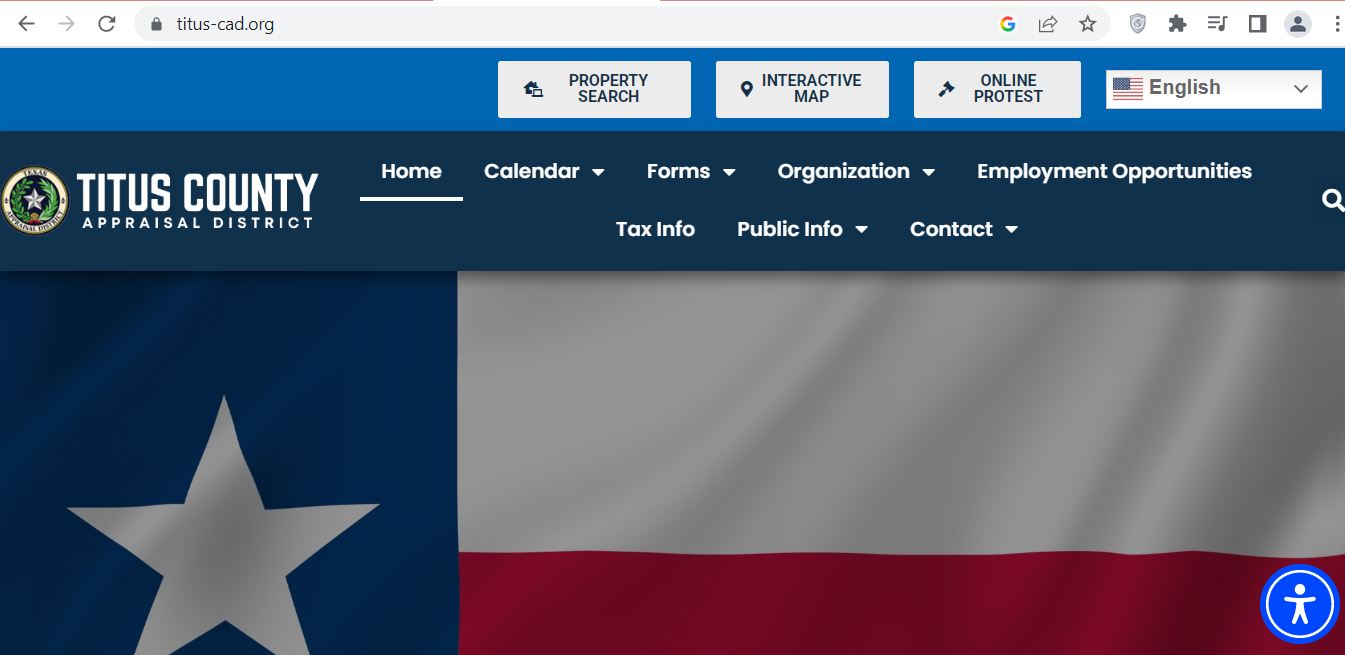
Titus County CAD screenshot reference
This image is included as a visual reference for the Titus County CAD topic. Do not rely on the image for live values, tax balances, portal messages, ARB dates or account status. Use the official property search, taxpayer portal, forms and county tax search links below for final action.
Official Titus CAD details users usually need
Titus County Appraisal District says its mission is to establish fair, uniform and equitable market values for property in Titus County for ad valorem purposes and to inform property owners of their rights and remedies. The district appraises real and business personal property under the Texas Property Tax Code and USPAP.
| Detail | Official information | How it helps the user |
|---|---|---|
| CAD role | Appraises real and business personal property in Titus County. | Use CAD for value, exemption, special appraisal, protest and property-record questions. |
| Physical address | 2404 W. Ferguson, Mount Pleasant, Texas 75455. | Use for in-person appraisal district visits and map directions. |
| Mailing address | P.O. Box 528, Mount Pleasant, Texas 75456-0528. | Use for mailed CAD forms when official instructions allow mailing. |
| Office hours | Monday-Friday, 8:00 AM-5:00 PM. | Plan calls, visits and deadline-sensitive submissions before closing time. |
| Phone payment note | To pay taxes by telephone, call 1-866-549-1010 and use Bureau Code 3301921. | Use only after confirming the correct account and amount from official tax search or statement. |
How to use Titus CAD property search correctly
The official Titus CAD property search is more than a simple owner lookup. It includes By Owner, By Address, By ID, ARB Search and Advanced. Advanced search includes fields such as property ID, property type, agent ID, protest status, informal date, doing business as, street name, subdivision, condo, owner ID, geographic ID, tax year, neighborhood, hearing date, board members and formal date.
Titus CAD search troubleshooting
If you cannot find a record, the issue is usually owner-name format, rural address wording, mobile-home listing, DBA/business name, mineral account, tax year mismatch, or using tax search when you meant appraisal search.
| Search problem | Likely reason | Better search method |
|---|---|---|
| Owner search fails | Name may be under spouse, trust, estate, company, previous owner or shortened record. | Try last name only, first name only, DBA, owner ID, property ID or address. |
| Address search fails | Street suffix, direction, county road, rural route or unit wording may not match exactly. | Use only the street name and remove Road, Rd, Street, St, Drive, Hwy, unit or direction words. |
| Mobile home is hard to find | The account may be under Mobile Home property type or a mobile home park field. | Use property type Mobile Home, mobile home park list, owner name or property ID. |
| Business account does not appear | Business personal property may be under DBA, owner name, property type Personal or street name. | Use property type Personal, DBA, owner name, street name and property ID variations. |
| Need amount due or receipt | You may be on CAD appraisal search instead of Titus Tax Property Search. | Use Titus Tax Property Search or county Pay Taxes Online for tax payment and receipt tasks. |
Taxpayer portal, online protest and electronic communications
Titus CAD’s old online protest page says online protest has moved to the Taxpayer Portal. The portal allows taxpayers to access property details, opt into electronic communication, review communications from the appraisal district and manage applications or online appeals.
Titus CAD forms: choose the correct form before filing
The Titus CAD forms page includes agricultural, wildlife and land forms, appointment of agent, homestead exemption forms, ARB/protest forms, business personal property forms, dealer inventory forms and other exemption forms. Homestead applications must include a copy of the applicant’s driver license or other required information, and an affidavit may be required in some situations.
| User situation | Official form area to check | Practical filing tip |
|---|---|---|
| Owner-occupied home | General Residence Homestead Exemption, including age 65 and over exemption. | Attach required driver license or other required information and confirm property ID before submitting. |
| Disabled veteran or survivor | Disabled Veteran’s or Survivor’s Exemption. | Keep VA rating, survivor proof or qualifying documentation ready. |
| Ag, timber, wildlife or open-space land | Agricultural 1-d-1 Application, wildlife management forms, timber land appraisal and related guidelines. | Keep land-use history, maps, leases, production records, grazing, timber or wildlife activity documentation. |
| Owner mailing address change | Change of Address Request Form. | List affected property IDs, previous mailing address, new mailing address, phone number and signature. |
| Value protest or evidence affidavit | Notice of Protest, Affidavit for Protest Hearing Evidence, Property Taxpayer Rights and Remedies. | File before the deadline and prepare evidence before the hearing date. |
| Business personal property | General Rendition of Personal Property, aircraft rendition, non-income producing rendition and dealer inventory forms. | Prepare asset list, original cost, acquisition date, location, disposal records and business name. |
2026 Titus County property tax dates to watch
Titus CAD’s calendar follows the Texas property tax deadline system. If a deadline falls on a weekend or legal holiday, Texas Tax Code Section 1.06 may move timely performance to the next regular business day. Always follow your own notice or official CAD/tax office instruction.
| Period | What usually happens | User action |
|---|---|---|
| January 1 | Taxable values and qualification for many exemptions are determined for the tax year. | Confirm ownership, property use, residence status and special appraisal eligibility. |
| April 1 | Chief appraiser may mail notices of appraised value for single-family residence homestead properties by this date or soon after. | Watch for your notice and compare proposed value, exemptions and property details. |
| April 15 | Last day to file renditions and property reports on most property types unless written extension applies. | Business owners should prepare BPP asset records early. |
| April 30 | Many exemption applications and special appraisal applications are due. | Review homestead, ag, timber, open-space, separate listing and related filings before the last week. |
| May 15 | Last day for most protests or 30 days after the notice was delivered, whichever is later. | Do not wait for the tax bill if the issue is appraisal value. File the protest before your notice deadline. |
| Tax bill season | Tax office and tax search become more important for bill, receipt and payment status. | Use Titus Tax Property Search for payment status and receipt-related research. |
How to prepare a Titus County appraisal protest
A useful protest should explain what is wrong and support it with evidence. Do not only say the tax bill is high. Titus CAD handles market value, exemptions and special appraisal questions, while governing bodies set tax rates and the tax office handles collection.
Local Titus County insider tips
Titus County property can involve Mount Pleasant city property, Talco or Winfield areas, Chapel Hill, Harts Bluff, rural tracts, lake or timber influence, business personal property, mobile homes and mineral accounts. A useful appraisal review should compare similar property types inside a similar local market and taxing-unit area.
- Compare similar subdivision, age, size, condition and school district.
- Separate land value from improvement value.
- Use dated photos and estimates for roof, foundation, drainage or condition issues.
- Use maps, surveys, acreage proof, road access and land-use documentation.
- Document timber, pasture, drainage, water access, fencing and lease or production activity.
- Do not compare rural acreage with city residential lots.
- Use the correct property type filter before comparing values.
- Try mobile home park, DBA, owner ID or geographic ID when normal search fails.
- Business owners should keep renditions, asset lists and acquisition cost records.
Taxing entities that can affect a Titus County property
Titus CAD lists appraisal responsibility for county, city, college, hospital and school entities, and says it collects property taxes for selected entities. This matters because two nearby properties can have different bills if their school district, city, hospital, college or special entity differs.
| Entity type | Examples listed by Titus CAD | Why users should care |
|---|---|---|
| County and city | Titus County, City of Mount Pleasant, City of Talco and City of Winfield. | City vs rural location can change the total tax bill. |
| School districts | Chapel Hill ISD, Harts Bluff ISD, Mount Pleasant ISD, plus parts of Daingerfield-Lone Star ISD, Pewitt ISD and Rivercrest ISD. | School district taxes often make up a large part of the total bill. |
| College and hospital | Northeast Texas Community College and Titus County Regional Medical Hospital. | These entities may affect tax calculations depending on property location. |
| Entities CAD collects for | City of Mount Pleasant, City of Talco, City of Winfield, Chapel Hill ISD, Harts Bluff ISD and Mount Pleasant ISD. | If your tax bill involves one of these, CAD and tax-office search roles should be checked carefully. |
Titus County Tax Office details
Use the Titus County Tax Office for county tax office tasks, tax payment status, receipts, automobile registration and tax-office contact. Use Titus CAD for appraisal value, exemptions, special appraisal, online appeal and appraisal record questions.
| Tax office detail | Official information | Use it for |
|---|---|---|
| Tax Assessor-Collector | Melissa Stevens. | County tax office identity and tax office leadership. |
| Tax office address | 110 South Madison Street, Suite A & B, Mt. Pleasant, Texas 75455. | Tax office visits and payment or registration questions. |
| Tax office phone | 903-577-6712. | Tax payment, receipt, and tax office questions. |
| Automobile registration phone | 903-577-6710. | Vehicle registration questions, not appraisal protests. |
| Fax and email | Fax 903-577-6714, email titustaxoffice@yahoo.com. | Written tax office communication where appropriate. |
| Hours | Monday-Friday, 8:00 AM-4:30 PM. | Plan visits and calls before closing time. |
Open records and data requests
Titus CAD provides an open records request form and a download data section. The open records form asks the requester to describe the request in detail and select a delivery media such as email, FTP, CD pickup, CD mail or other pickup. It also lists sample fees for data and research requests.
Documents to keep ready
- Owner name
- Property address
- Property ID
- Geographic ID
- DBA, mobile home park or property type if needed
- Notice of Appraised Value
- Property ID and tax year
- Comparable sales or repair estimates
- Photos, surveys, leases or land-use records
- Portal or submission confirmation
- Tax statement
- Owner name
- Property ID or tax account details
- Correct tax year
- Receipt or payment confirmation
Titus CAD office map
Use this map for directions to Titus County Appraisal District in Mount Pleasant. For deadline-sensitive tasks, call before visiting and bring property ID, owner name, notice letter, form packet and supporting documents.
Official action links
Use these official links only after you know your task. Each link below has a specific purpose.
Related Texas CAD guides
These internal guides help users compare similar Texas appraisal district search, protest, forms and tax office workflows.
Titus County CAD FAQs
What is Titus County CAD?
Titus County CAD is the common search name for Titus County Appraisal District, the office responsible for appraising real and business personal property in Titus County, Texas.
How do I search Titus County CAD by owner?
Open the official Titus CAD property search, choose By Owner, and enter the owner name. If the full name does not work, try only the first or last name.
How do I search Titus County CAD by address?
Open the official property search, choose By Address, and start with only the street name. Remove suffixes, directions or unit numbers if results do not appear.
What property types can I search on Titus CAD?
The Titus CAD search page includes property type options for Real, Personal, Mineral, Auto and Mobile Home. Choose the correct type before comparing values.
Why are 2026 Titus CAD values preliminary?
The official search page says 2026 values are preliminary and subject to change before certification. Save the record before filing, comparing values or preparing a protest.
Where do I file a Titus CAD online protest?
Use the Titus CAD Taxpayer Portal. The old online protest page says taxpayers should use the portal to view property details, review communications and file online appeals.
Who is the Titus CAD Chief Appraiser?
The Titus County Appraisal District official site lists Shirley Dickerson as Chief Appraiser.
What is the Titus CAD phone number?
The Titus County Appraisal District phone number is 903-572-7939.
Where do I pay Titus County property taxes?
Use Titus Tax Property Search, the Titus County Tax Office Pay Taxes Online link, or the phone payment option after confirming the correct property account and amount due.
Are Titus CAD records legal deed records?
No. Titus CAD records are appraisal records. For deed, title or recorded document proof, use official county records or the correct county office.
Independent guide disclaimer
County-CAD.org is an independent informational guide. It is not Titus County Appraisal District, Titus County Tax Office or Titus County Government. Official values, forms, deadlines, tax rates, payment status, office procedures and links can change. Confirm directly with the correct official office before filing, paying, mailing documents or visiting.
Last editorial check: July 7, 2026. Official details were reviewed from Titus CAD, Titus CAD property search, Titus CAD forms, Titus CAD taxpayer portal, Titus CAD calendar, Titus Tax Property Search, Titus County Tax Office and Texas Comptroller resources.